 Kipos
KiposGrowth phases
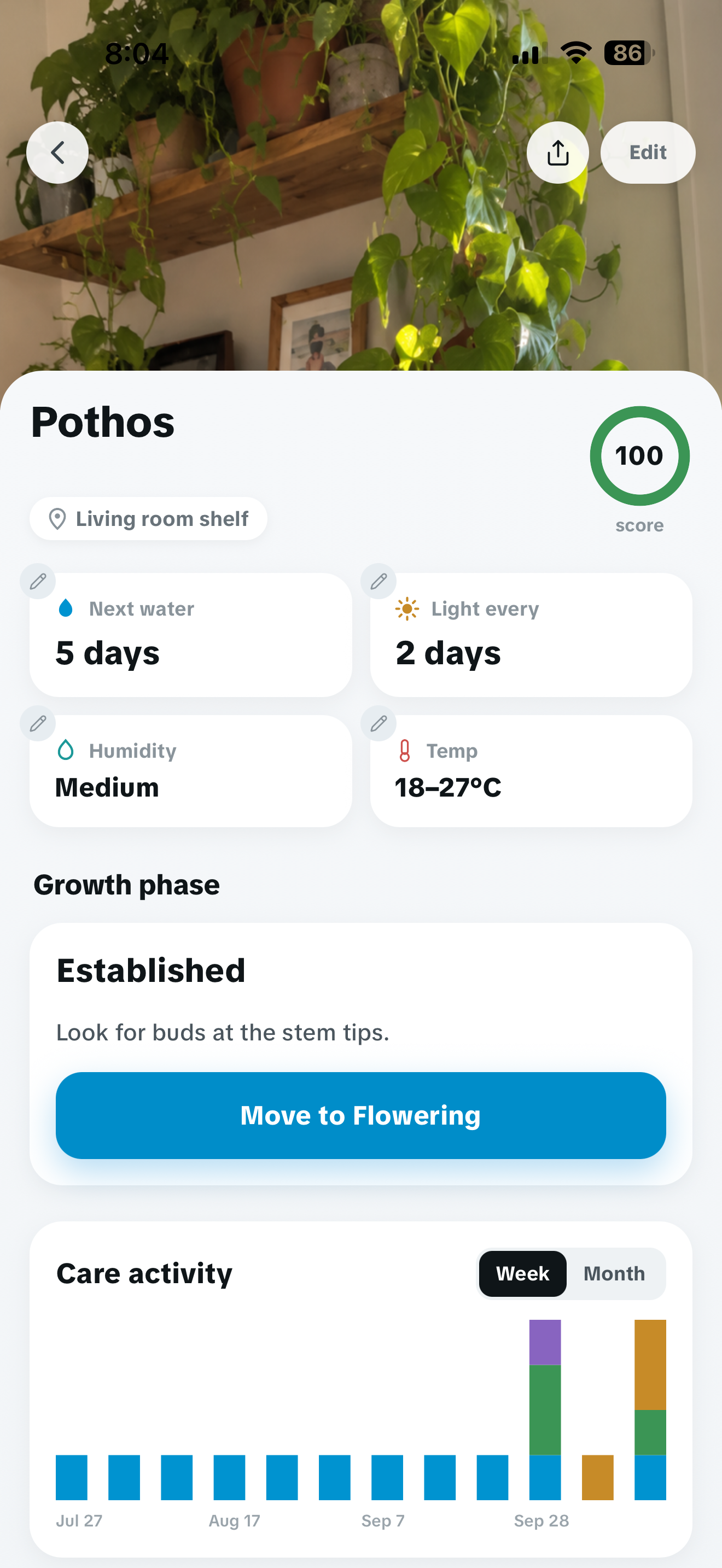
Record the phase each plant is in, then add a photo or note when something changes.
Garden tracker for iPhone
Set your own watering routine. Log care as it happens. Keep each plant's photos, notes and growth phase in one place.
Download on the App Store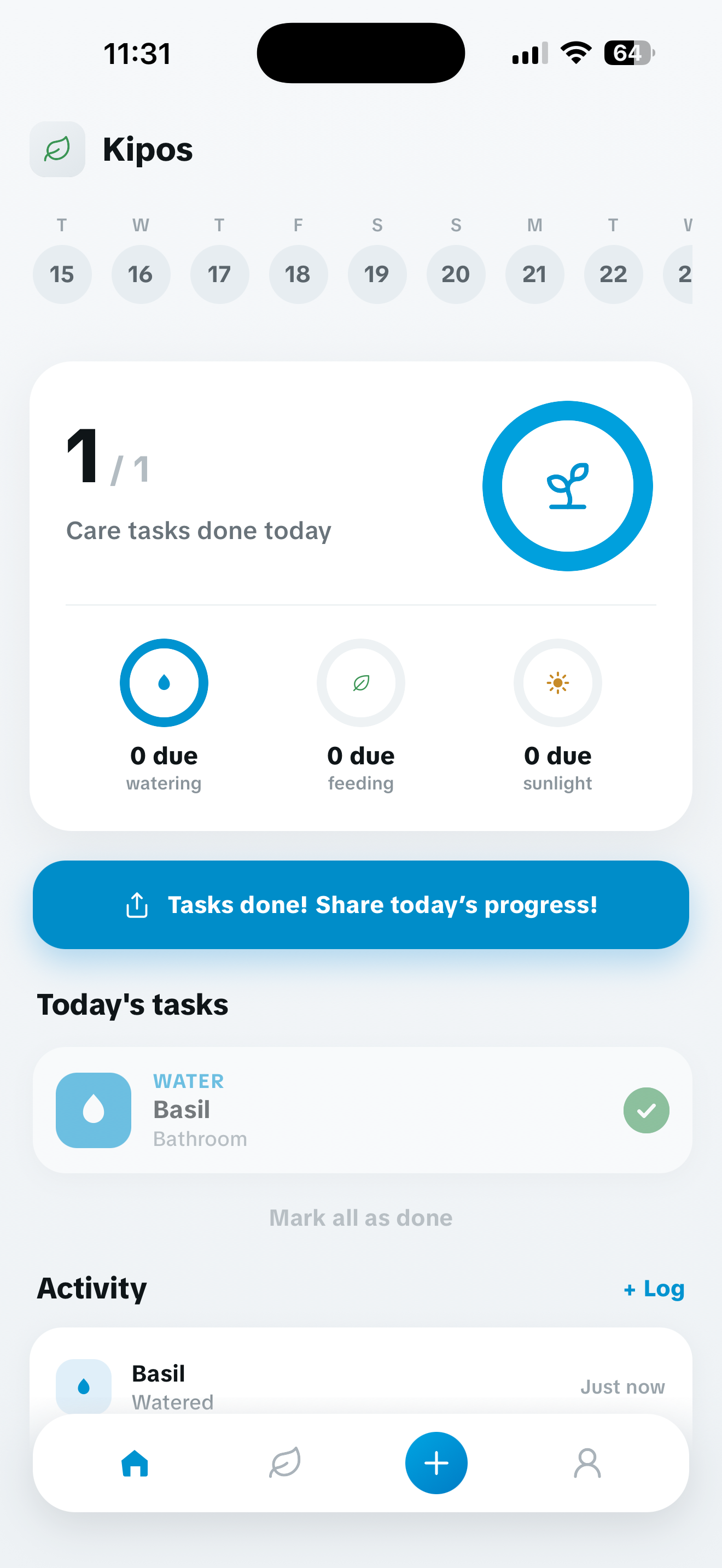
A record you can use
A reminder tells you what is due. A record also shows the phase, photos, notes and care that led to today.
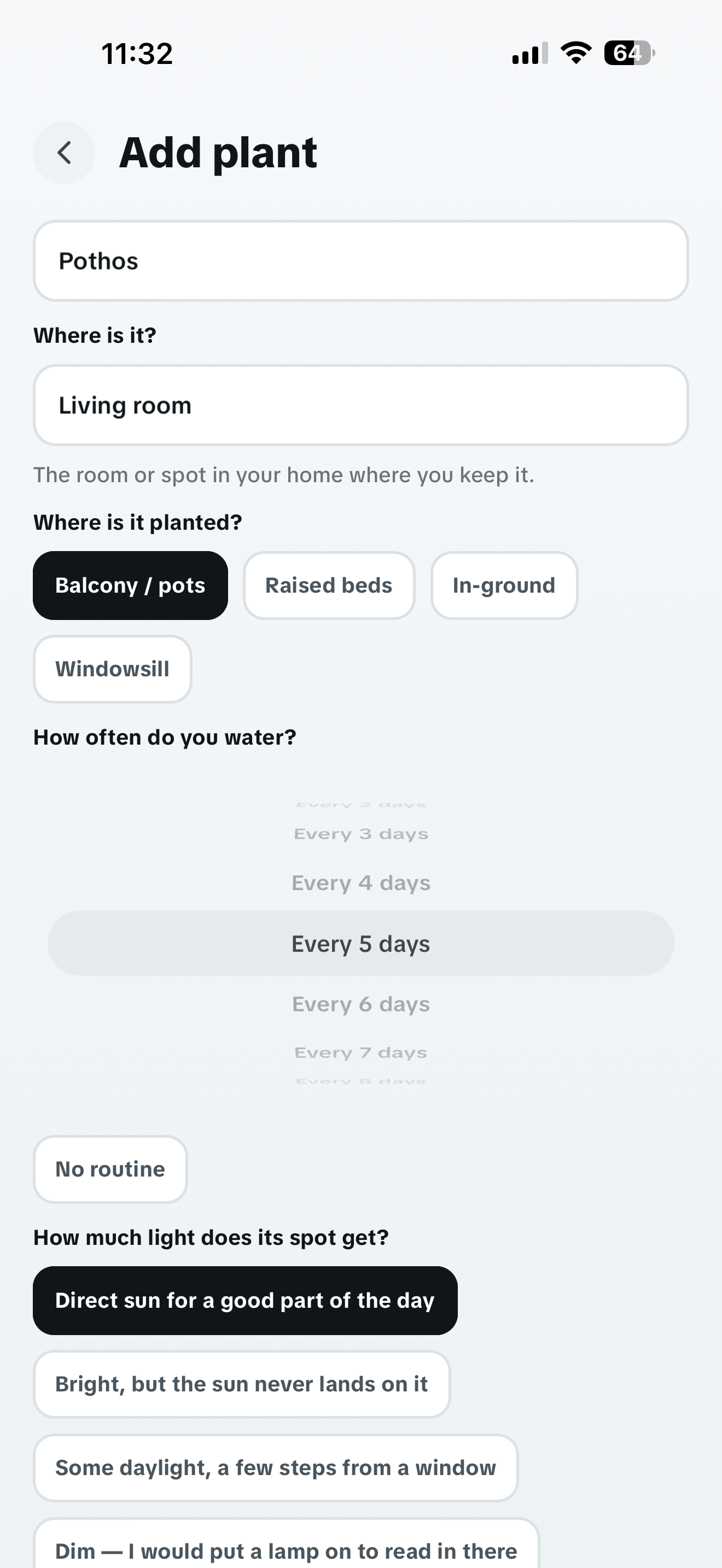
Add a plant by name. Record where it lives and choose how often you water it.
Keep the plant's current phase, photos, notes and completed care in one place. Its timeline becomes clearer as the season moves.
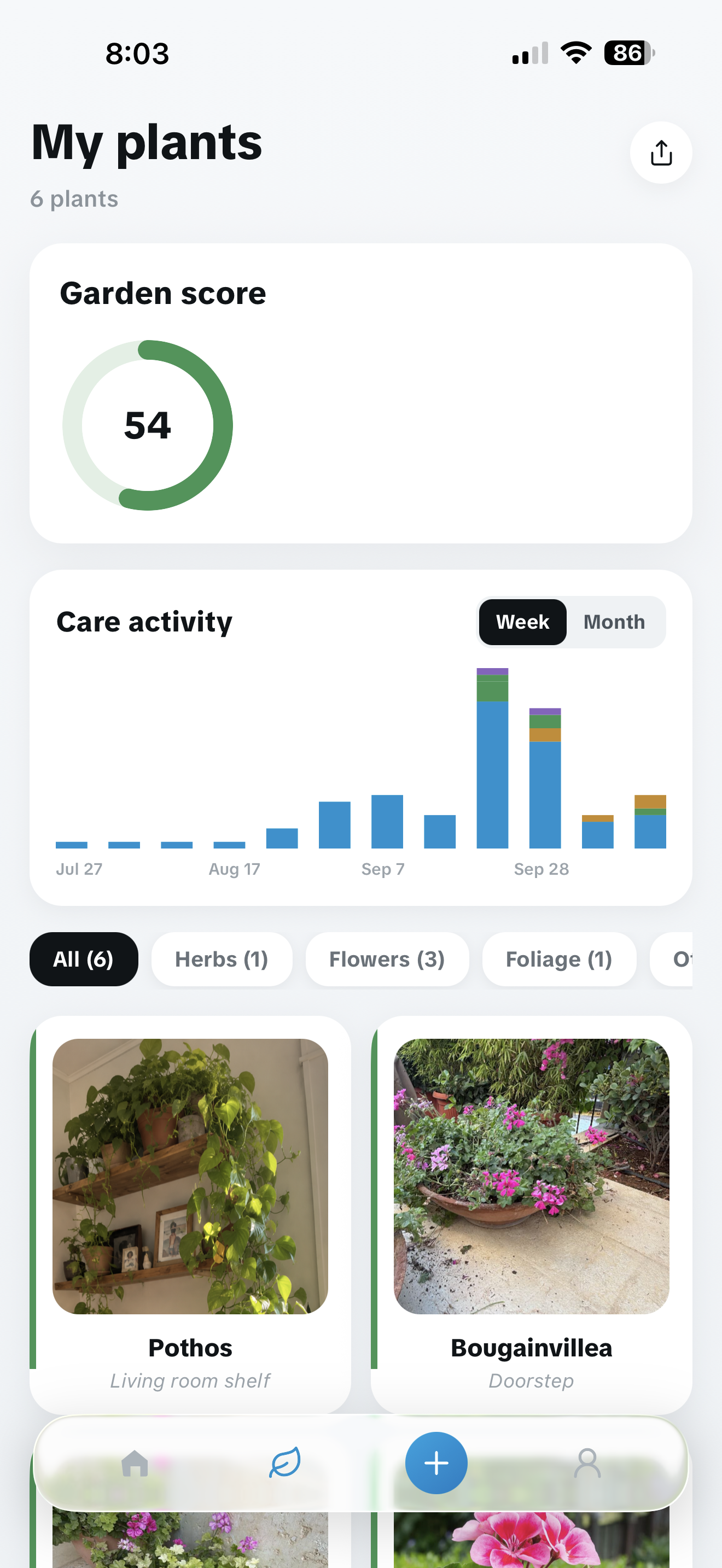
Daily tasks keep care moving. Plant scores, streaks and the Garden Score give you a quick view across the collection.
What's inside
Record the phase each plant is in, then add a photo or note when something changes.
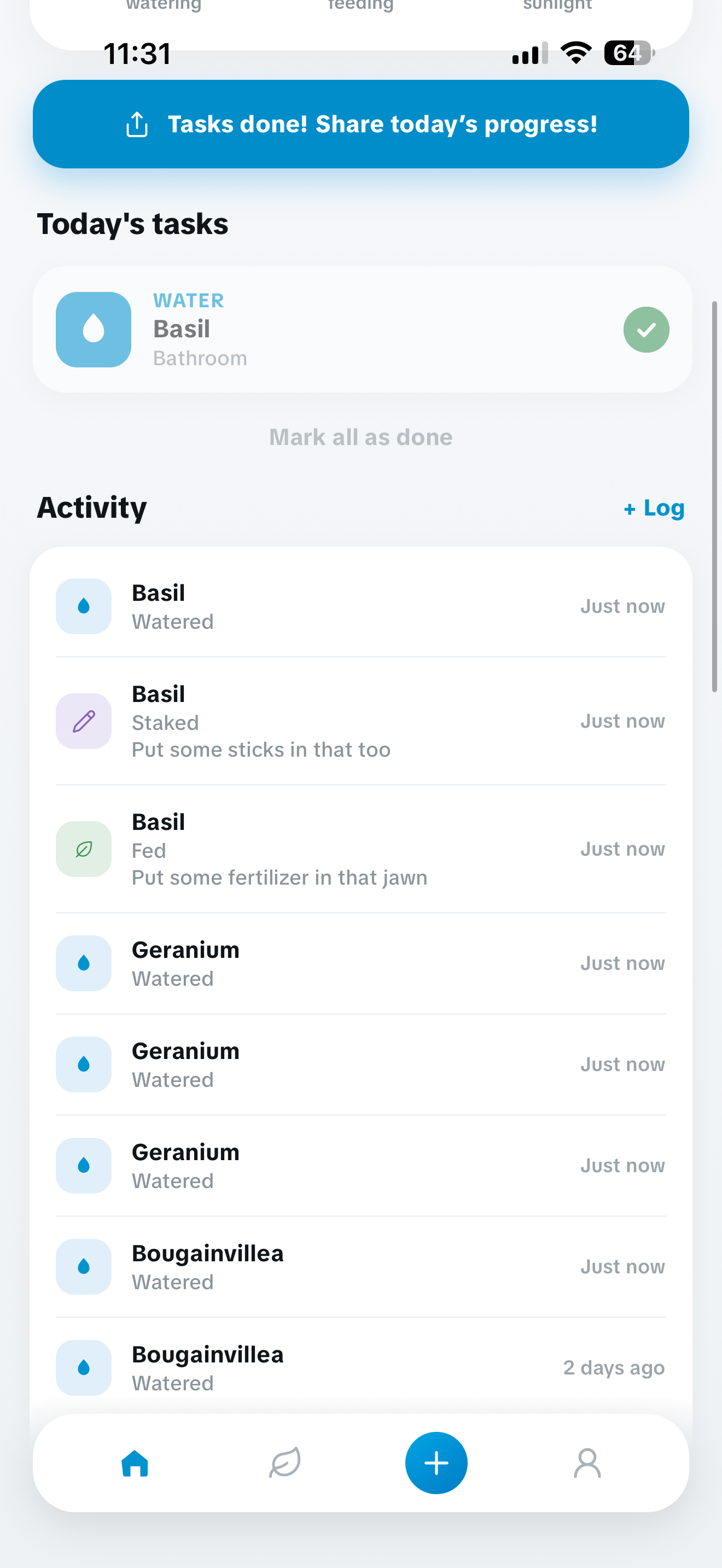
Watering, feeding, pruning and other care stay in a dated record for each plant.
See the care score for each plant and the garden as a whole.
Add photos and observations to a plant card. Over time, they show the changes a task list cannot.
Turn a good day, a streak or the whole garden into a card you can post. Built to look right without any editing.
Record when you feed a plant. The date stays in its care history, without adding another reminder.
Set it up once
Name your plant, add its location and choose your watering interval. You can change that interval later.
Your plants
See your plants and their photos together, with a garden score at the top. Share a card when you want to.
Plant by plant
Keep your plants, photos and care history together. Add another plant whenever your garden grows.
Get Kipos
Set a watering routine, log care and keep your plant photos and notes together.
Help
iPhone. It is not built for iPad, and there is no released Android version.
Yes. Your garden, care history and photos are saved to your account so they survive a new phone. You can sign in with Apple, with Google, or with an email address and password.
Now. Kipos is out on the App Store for iPhone — the download button at the top of this page takes you straight to it.
Compare and learn
The comparisons and alternatives use current public product listings and say where another app is the stronger choice. The guides work with a notebook, a spreadsheet or Kipos.
Daily care streak · Watering log · Photo journal · Garden score · Shareable cards
Download on the App Store